METAPOST
 When I first began writing papers and notes,
there was no satisfactory out-of-the-box software to draw nice diagrams. There are some solutions,
like JaxoDraw or TiKZFeynman, but they were unsatisfactory to my liking. After searching and searching, I settled on learning METAPOST.
This is a program created by John D. Hobby at Bell Labs, and is an adaptation of the METAFONT language created by
Don Knuth which is used to draw the glyphs in TeX and LaTeX. It has a rather steep initial
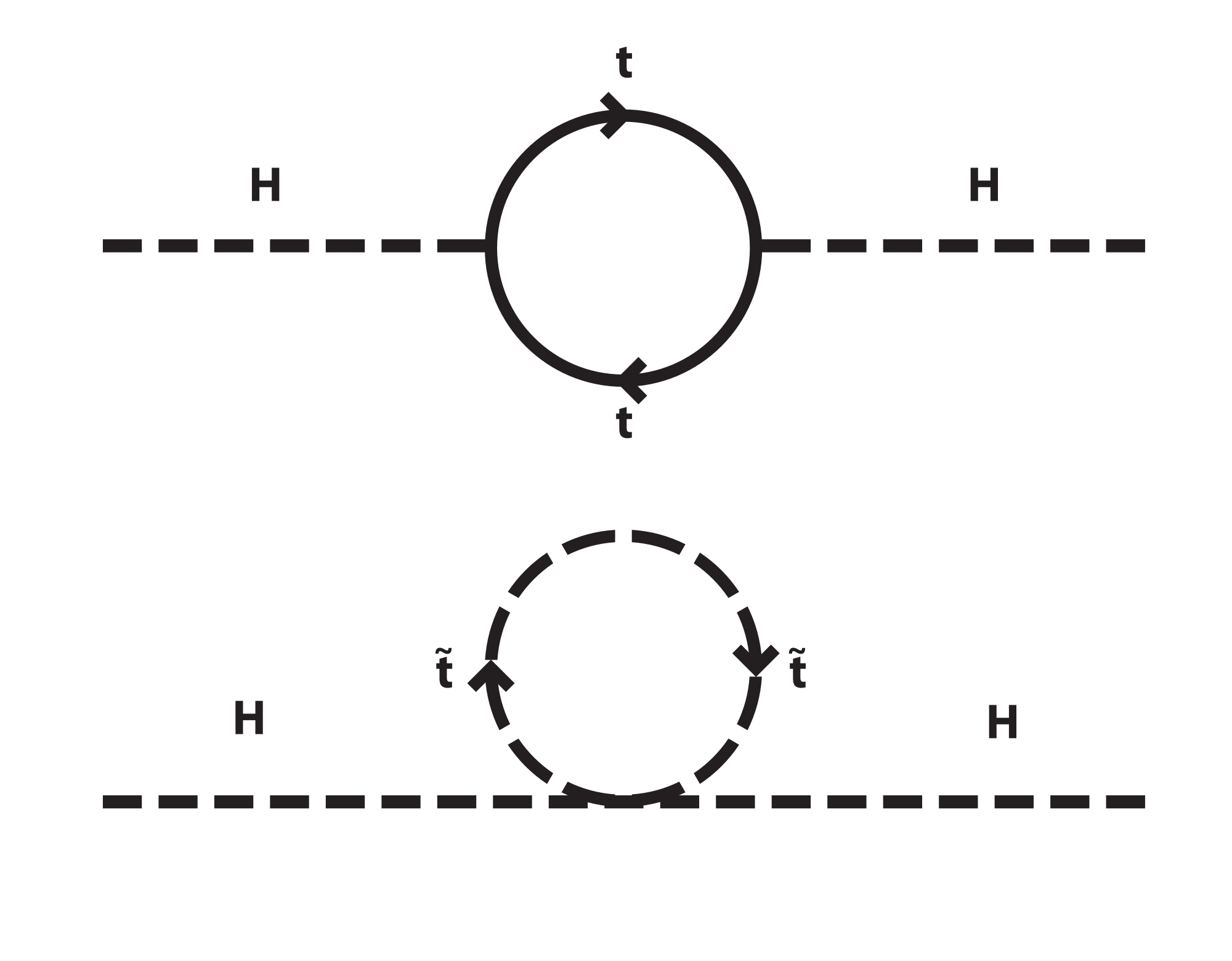
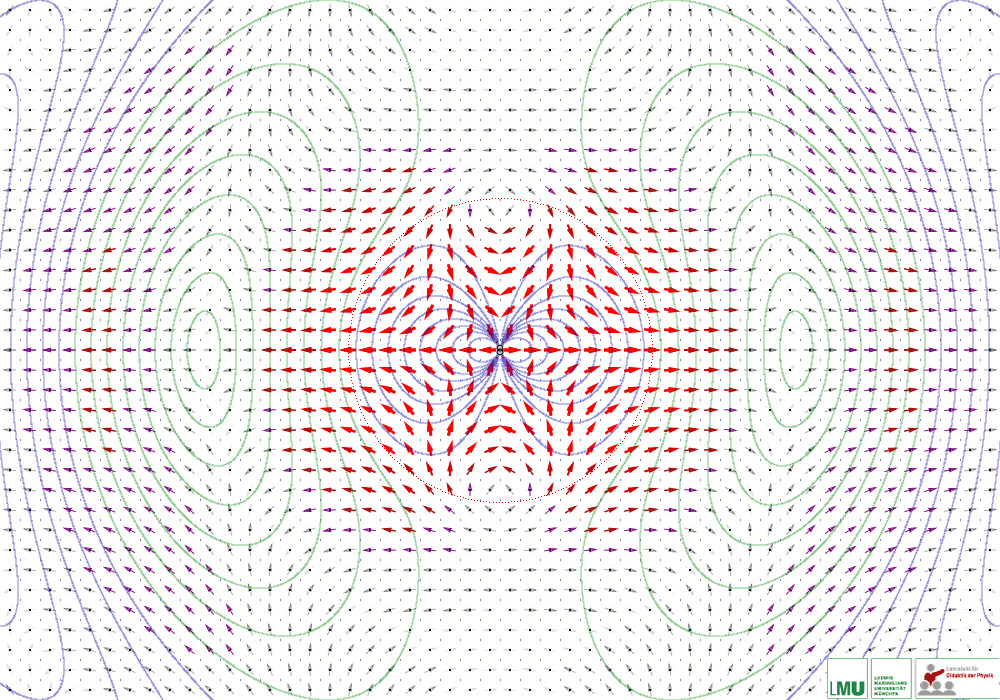
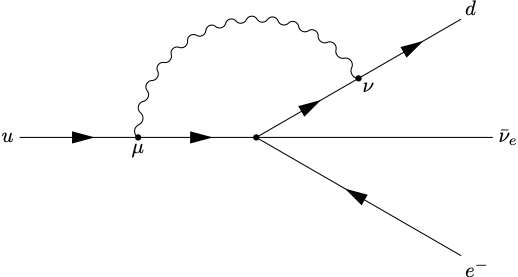
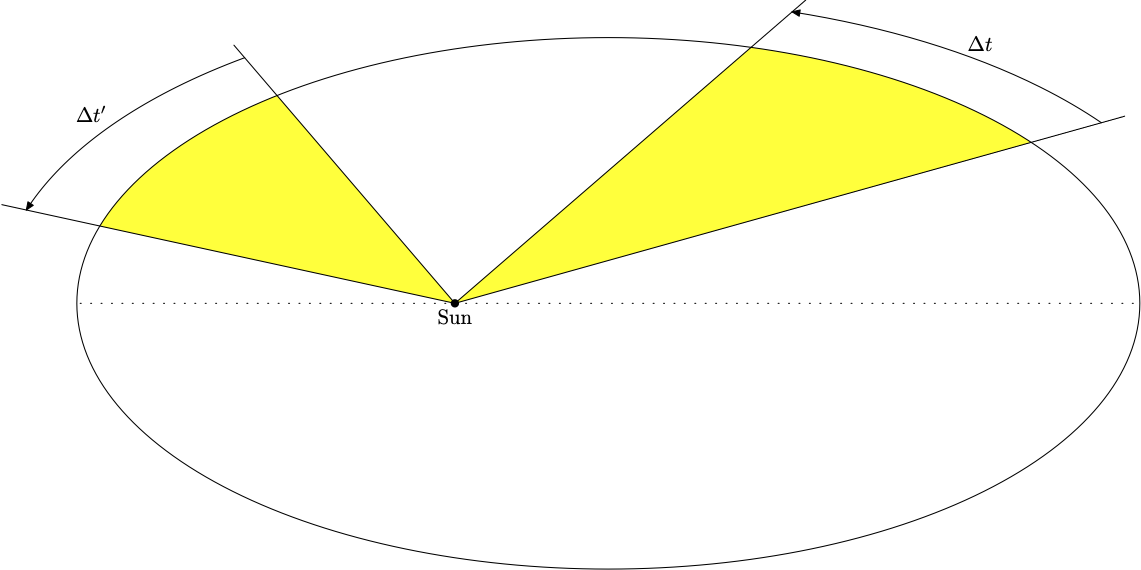
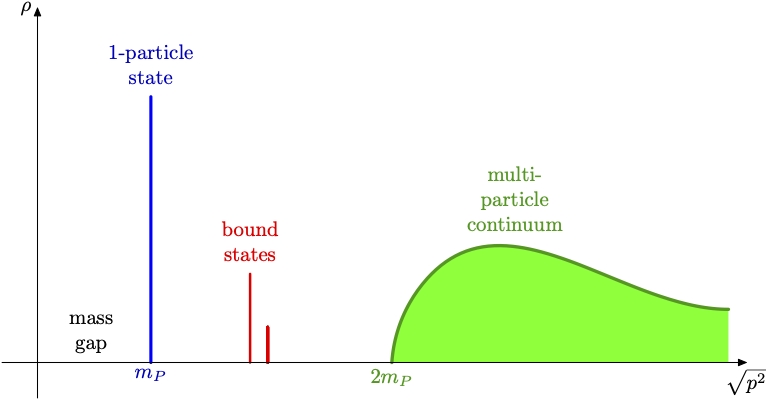
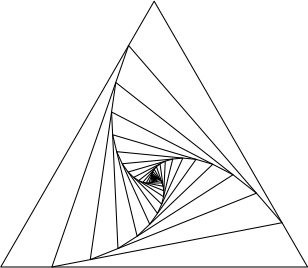
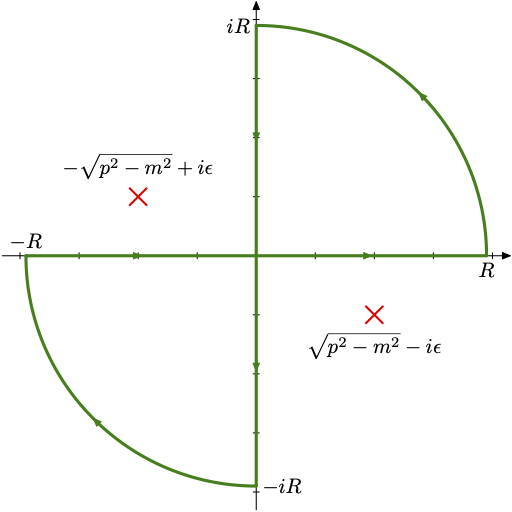
learning curve, but once you get a handle on it, it can be very nice to use. All of my Feynman diagrams and a few others are drawn using METAPOST. Here I've included some of the
resources I used to learn METAPOST, as well as a few examples of the figures I've drawn using it.
Getting started
As stated above, METAPOST has a rather steep learning curve. Making a figure is a different
exercise than simply pointing and clicking. A nifty document called Learning METAPOST by Doing
is a great introduction to using METAPOST by providing several compact, easy-to-do problems. In between each
problem is a brief description of a different aspect of the language. The solutions manual can be found here.
Useful bits
Getting METAPOST to do what you want it to can be a bit of a pain at times. Here are a few tricks I've found to make working with METAPOST less painful
Diagram labels
METAPOST has no native support for compiling text labels in LaTeX. For the sake of consistency, this can be very annoying.
Fortunately, extensive digging has revealed that sticking a small bit of code at the beginning of your METAPOST file makes
it possible to compile LaTeX labels seamlessly:
prologues := 3;
outputtemplate := "%j%c.eps";

verbatimtex
%&latex
\documentclass{amsart}
\begin{document}
etex
FeynMF macros
The FeynMF program (click here for the manual)
is a self-contained package that employs a C++ program to generate the layout of a
diagram and then METAFONT to draw the diagram itself. I briefly considered it alongside JaxoDraw and TiKZFeynman,
but ultimately decided to learn raw METAPOST, as it's a more flexible and useful skill. Still, it's nice to be able
to call on functions that other packages have already defined. In particular, it's nice to call on FeynMF's
extensive library of propagator lines. To do this, first import the package using input feynmp. Then
call on the function by invoking draw_(name of propagator); make sure you remove the parenthesis. A list of
callable functions can be found on page 15 of the manual, linked above.